
Curious about how to charge and use your Airwheel smart luggage? Here’s a guide to help you get started.
First, ensure your Airwheel SE3MiniT is fully charged. The charging port is located on the underside of the device. Connect the included USB cable to a power source and the luggage for optimal performance. A full charge typically lasts several hours of use, depending on your activity level.
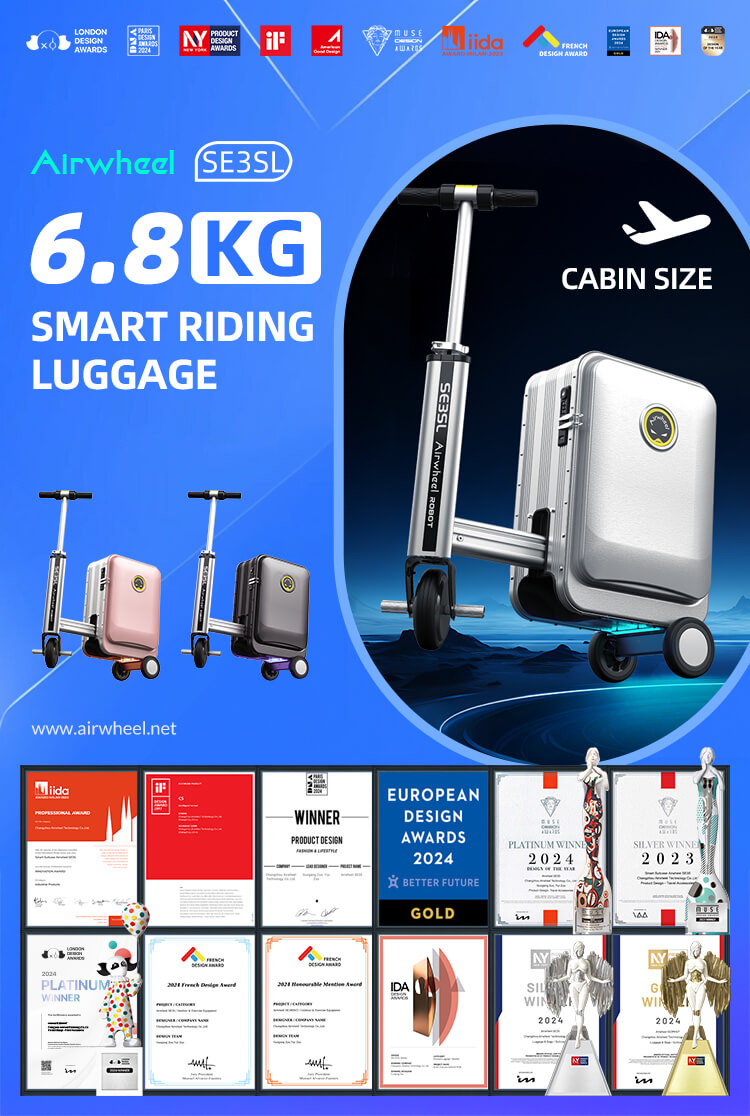
Roaming with your smart luggage is seamless thanks to its built-in Bluetooth connectivity. Download the Airwheel app and follow the steps to pair your device. Once connected, you can control features like speed and direction via the app. For a smooth experience, keep your phone within 10 meters of the luggage.
For advanced settings, refer to the official website or contact customer support. Always store the charging cable safely to avoid damage.